

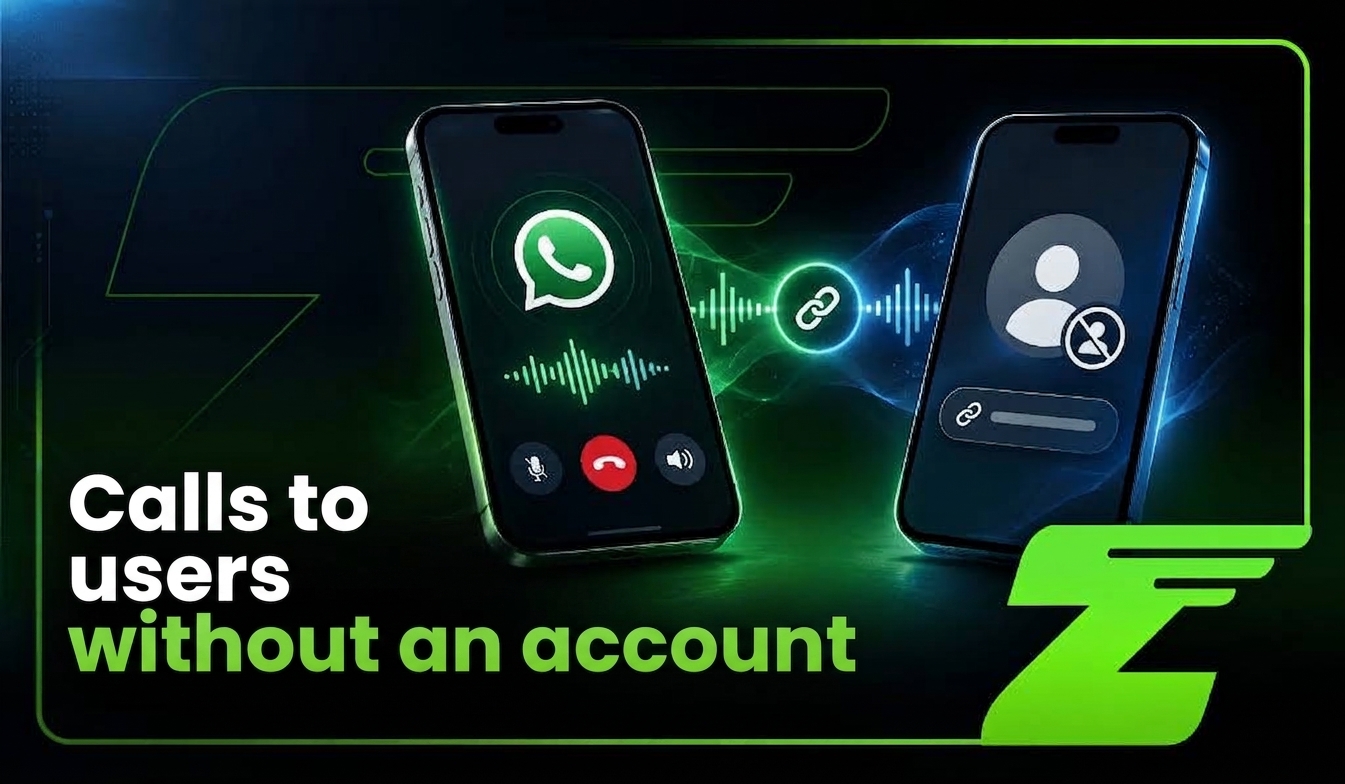
WhatsApp may be preparing a change that would lower one of the current barriers for voice and video calls: the requirement to have an active account on the platform.
According to WABetaInfo, WhatsApp is testing a feature that would allow someone to join a call via a link, even without installing the app, registering a phone number, or creating a permanent profile.
The feature is still under development and has no official public launch date. So, businesses should not treat this capability as available or plan operations around it now.
Even so, the possibility is drawing attention because it aligns with a broader WhatsApp trend: lowering entry barriers and expanding ways for companies and users to interact.
The platform already offers related features, such as WhatsApp Web calls, call links, and a waiting room to manage participants. Meta also maintains a Calling API for companies using the WhatsApp Business Platform, featuring specific capabilities for user-initiated or business-initiated calls.
What to expect from calls for users without an account?
If officially released, joining calls without an account could simplify user journeys where a customer needs to speak with a business but doesn’t want to create an account just for that interaction.
For companies, the potential impact appears across three key moments:
| Moment | Possible Application |
| Before the call | Invitation, confirmation, authentication, and guidance via WhatsApp |
| During the call | Customer support, product demo, assistance, or meeting with host approval |
| After the call | Logging, follow-up, sending information, and continuing the chat |
However, this opportunity depends on factors such as security, consent, participant identification, integration with internal systems, and confirmation that the feature will reach the market in the tested format.
How are Meta’s tests going so far?
The reported test describes a potential expansion of WhatsApp’s Call Links. Currently, these links allow people with a WhatsApp account to join a call by opening the shared URL.
Official documentation for Call Links states that they are individual, can be shared through other channels, expire after 30 days of inactivity, and can be revoked by the creator.
The feature in testing would extend this model to non-account holders. The guest would access an interface through their web browser and participate as a temporary call user.
According to the report, the host would maintain full control over participant entry. Each request would need manual approval, allowing the host to accept, reject, or remove people during the call.
This control is crucial because a link can be forwarded to third parties. Having access to the URL wouldn’t automatically guarantee entry into the conversation.
The report also mentions the generation of a specific identifier for the session and the preservation of end-to-end encryption. These details should be viewed within the context of the reported test and not as confirmation of final functionality or launch.
What has Meta confirmed so far?
Although calls for users without an account remain experimental, WhatsApp already features official call-related capabilities.
In July 2026, the company announced audio and video calls on WhatsApp Web, including features like screen sharing, call history, and a waiting room to control entries for link-based calls.
Documentation for Call Links specifies that participants currently need a WhatsApp account to join via an invitation. The call creator can configure approval settings, accept or deny requests, and remove participants during the call.
The table below separates available features from possibilities currently under evaluation:
| Feature | Status | What It Means |
| WhatsApp Web Calls | Announced and rolling out gradually | Users with an account can place calls through the browser |
| Call Links | Available (depends on account support & region) | Allows inviting participants to calls |
| Waiting Room | Documented for links with host approval | The host controls who enters the call |
| Calls for Non-Account Users | In development / testing | Not officially available yet |
| Calling API for Businesses | Documented by Meta | Separate enterprise feature with its own requirements |
This distinction is important for companies evaluating new customer service strategies. Features currently in testing may change before launch or may never reach the general public.
What changes for the market with this new WhatsApp feature?
One of the biggest friction points when initiating a digital call is requiring the user to install an app, create an account, or configure a new tool just to join a quick conversation.
A link-based experience could simplify that first contact. The customer could receive an invitation via WhatsApp, email, SMS, website, or CRM, open it in their browser, and await host approval.
This model has clear applications across various industries:
- A buyer joining a sales demo
- A patient receiving administrative guidance
- A hotel guest speaking with front-desk staff
- A merchant resolving an issue with a marketplace
- A candidate taking part in a job interview
The flow could look like this:
| Company schedules or initiates support ↓ System generates or distributes the invite ↓ Customer opens the link in a browser ↓ Host validates and approves entry ↓ Call takes place ↓ Outcome is recorded in the CRM or internal system |
However, reducing friction doesn’t eliminate the need for control. The easier it is to join a call, the more vital it becomes to validate identity, context, permissions, and interaction history.
Impact on business customer service
Looking at these developments, we can already foresee key impacts and shifts in WhatsApp customer service:
Less drop-off before the call
Today, a company might send an invitation for a product demo and lose prospects because they have to install an app or create an account.
A web link for guests can reduce drop-off between scheduling and attendance. A sales team could send a message like:
“Your demo is scheduled for today at 3:00 PM. You’ll receive a link to join via your web browser—no app installation required. Please wait for the consultant to approve your entry when you join.”
Note: Companies should avoid promising this experience until the feature is officially available and supported for their operations.
Customer support closer to a traditional meeting
With web-based voice and video, WhatsApp moves closer to a meeting tool for short interactions, as customers won’t need to switch apps to move from chat to voice.
In sales, this makes it easier to present a product, walk through a quote, or deliver a deck. In support, it enables visual guidance or procedure walk-throughs without relying solely on text messages.
Continuity between chat and call
Meta’s Calling API describes a unified experience between messaging and calls, using a single business phone number as the touchpoint with centralized history.
This continuity is strategic. A customer can start by asking a question via text, request a call, receive guidance, and continue the conversation in the same thread. The CRM logs both source and outcome without splitting the customer journey across phone calls, emails, and separate apps.
What changes for integrations?
First, calls are not simply messages in a different format. Integrating voice requires managing events, permissions, call states, entry controls, and—depending on the setup—media infrastructure or SIP.
Meta’s official Calling API relies on Graph APIs and webhooks for signaling, supporting configurations with WebRTC. Documentation outlines specific prerequisites, such as a Cloud API number, subscription to calls webhooks, messaging permissions, and call enablement.
An enterprise architecture could be structured as follows:
| CRM, Calendar, or Source System ↓ Journey Orchestrator ↓ Invitation & Confirmation Message ↓ Calling API or Compatible Call Feature ↓ Entry, Approval & End Call Events ↓ CRM, Ticket, Authorized Recording & Follow-up |
Z-API can power the messaging and automation layer before and after the call—handling confirmations, reminders, triage, link delivery, response logging, and follow-ups.
Compatibility with calls for non-account users will depend on official support and technical documentation once the feature is released. It is incorrect to assume that a messaging API will automatically control guest calls; Messaging, Calling APIs, and experimental features must be evaluated separately.
How Z-API can prepare the customer journey?
Even before an official release, businesses can structure their pre- and post-call workflows.
Customers can receive automated confirmations, reply to confirm or reschedule, and have their details recorded in the CRM. At the scheduled time, the company sends joining instructions or the available link. After the call, the system logs the outcome, creates a sales task, or sends follow-up materials.
| Scheduling ↓ Opt-in & Confirmation ↓ Automated Reminder ↓ Invite or Link Delivery ↓ Approval & Call Execution ↓ CRM Result Logging ↓ Follow-up, Proposal, or Support Ticket |
Z-API plays a key role here by connecting WhatsApp to external systems via API and webhooks. Your business number can handle confirmations, answer FAQs, and push event data to your workflow.
When calls are supported, they should be treated as an additional event in the sequence—not as a complete replacement for your integration layer.
Security: Approval, identity, and anti-fraud
Ease of access introduces new risks: a forwarded call link could end up in the hands of someone other than the intended recipient. Waiting rooms and manual host approvals mitigate this risk, but they don’t replace a proper identity policy.
Before approving entry, the host should confirm the guest’s name, order number, booking ID, or support ticket.
For higher-risk interactions, the system can send a verification code via a separate channel or require the customer to log into an authenticated account portal before receiving the link.
Companies should also avoid sharing sensitive data inside the invitation message. Treat the link strictly as access credentialing—not as full authorization to view customer records.
| Risk | Recommended Control |
| Forwarded link | Manual approval and link expiration/revocation (when available) |
| Unidentified guest | Name, protocol, or order number confirmation |
| Impersonation / Fraud | Multi-channel validation or authenticated system check |
| Data exposure | Data minimization within the invitation message |
| Off-hours calls | Business hours policy and callback scheduling |
| Abuse or harassment | Participant removal, blocking, and logging |
| Unauthorized recording | Prior consent, warning prompts, and access controls |
Meta’s Calling API documents business hours controls, callbacks, and call icon visibility—features that help structure agent availability and security.
Privacy and call logging
Inviting guests without an account does not remove the obligation to inform them how their data will be processed. Businesses must disclose the purpose of the call, listed participants, recording policies, transcription, storage, and third-party sharing where applicable.
If a call is recorded, disclaimers must be presented prior to or at the start of the call, complying with local privacy regulations and internal compliance policies. Retention periods and access controls must also be strictly defined.
For customer calls, logging metadata (such as timestamp, duration, agent name, outcome, and ticket ID) in the CRM is often sufficient—storing raw audio or video files isn’t always necessary. Data minimization reduces both risk and storage costs.
In regulated industries like healthcare, finance, or legal services, compliance requirements are far stricter. Conducting a call on WhatsApp does not transfer regulatory responsibility to the platform.
What should your company do now?
- Avoid overhauling operations based on a test feature: This news signals product direction, not a final technical specification.
- Map out high-friction call workflows: Identify how many prospects drop off from demos due to app installation requirements, how many support requests still rely on legacy phone systems, and which cases could be resolved via quick video or voice calls.
- Organize customer data and consent: Ensure your CRM, calendar, ticketing tool, and backend systems use consistent identifiers to link invites, call entries, interactions, and results.
- Build pre- and post-call automations: Structure confirmations, reminders, triage queries, and follow-ups using Z-API, webhooks, and automation tools like n8n, Make, or Zapier.
- Monitor official documentation: Once the feature rolls out, verify account prerequisites, regional availability, browser compatibility, limits, permissions, and integration requirements.
The feature has no official launch date yet, but it can already streamline processes
The concept centers on allowing guests to join calls via a web browser using a shareable link, subject to manual host approval.
This setup could significantly reduce friction in sales, customer support, meetings, healthcare clinics, hospitality, and marketplaces—while demanding new protocols around identity verification, approval workflows, privacy, audit logs, and CRM integrations.
While waiting for official availability, businesses can already prepare the end-to-end journey: structuring confirmations, reminders, routing queries, sending invites, managing follow-ups, and logging results.
Z-API operates right at the messaging and automation layer connecting WhatsApp to your internal tech stack.
The real opportunity isn’t just enabling account-free calls—it’s creating an end-to-end, integrated experience where your customer can chat, jump on a call, resolve their issue, and continue the relationship through a single, seamless touchpoint.
Want to test Z-API in practice and see how it fits into your operations? Create your free account now!